Meta launched its sandboxed AI agent, Meta Muse, in September 2026, but it’s currently available only in the US and Canada. If you want to try it now but can’t wait for the global rollout, use a VPN to access Meta Muse from anywhere by connecting to a US or Canadian server and signing up on muse.ai.
You’ll have better luck using a web browser than the Meta app. Don’t forget to clear your cookies (or use Incognito) and turn off any location services to avoid tripping Meta’s detection systems.
We’ll suggest a couple of VPNs that work, show you how to set them up, and offer potential fixes if you run into issues. Before you jump right into using Muse, we’ll also explain some of the risks.
How to use a VPN to access Meta Muse
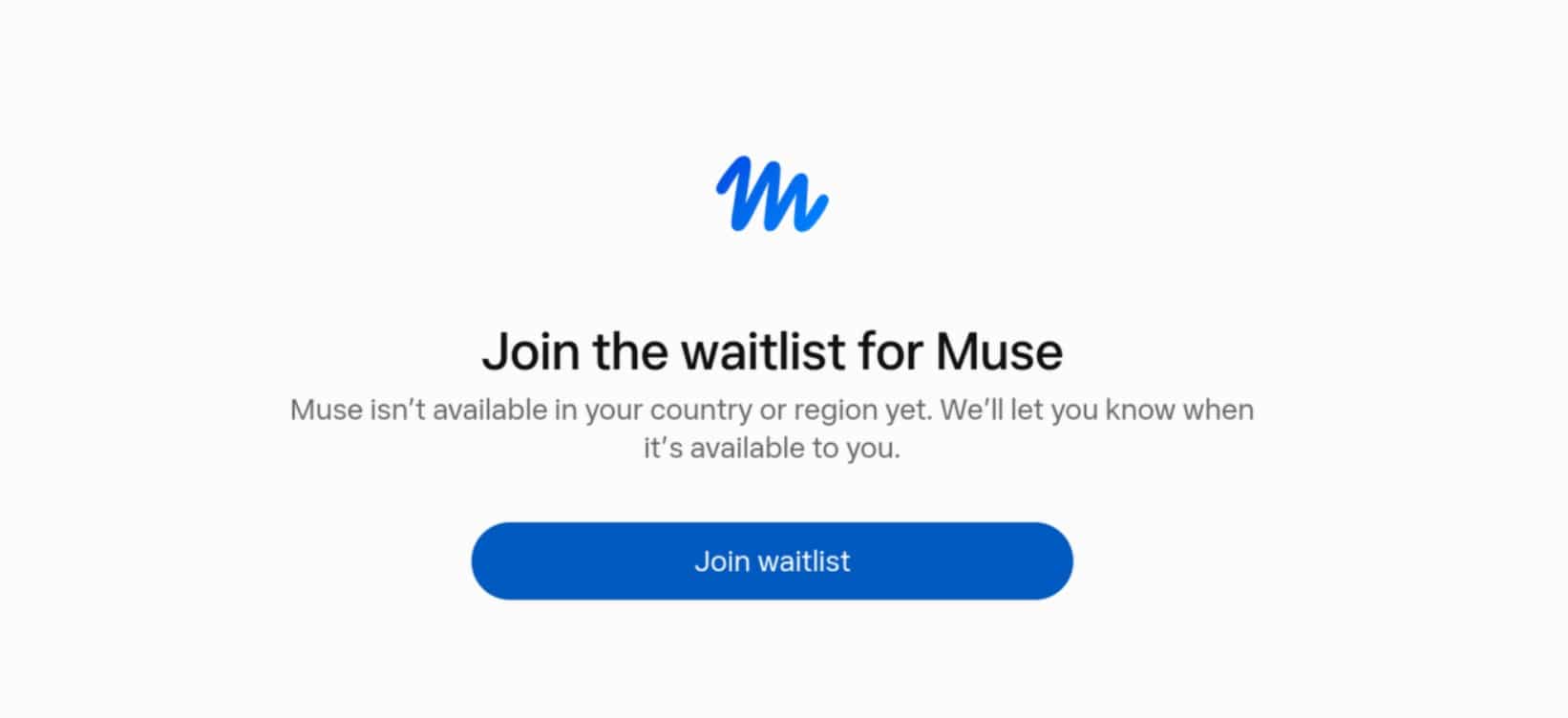
Trying to sign up for Muse outside the US or Canada only leads you to a waitlist with the following message: “Join the waitlist for Muse. Muse isn’t available in your country or region yet. We’ll let you know when it’s available to you.”
A VPN can change your IP address to a US or Canadian one so you can sign up. Follow these steps:
- Sign up for a VPN that works with Meta Muse. My top pick is NordVPN because it offers 55 US locations. Surfshark is a close second if you’re on a tight budget.
- Download and install the provider’s app. Both VPNs have excellent, easy-to-use apps on Windows, Mac, Android, and iOS.
- Connect to a server in the US or Canada. The closer the server, the better your connection. For example, if you’re connecting from Europe, a server in New York will perform better than one in Los Angeles, since your data doesn’t have to travel as far.
- Head over to the Meta Muse site. The best option is to sign up for a new account on muse.ai in a private or incognito browser window. Using Meta apps may reveal your location through GPS or other device signals. Your regular account already has your real location tied to it, so it’s best to use a fresh one.
Clear your browser cookies or use a private window when signing up for Muse so your local data doesn’t reveal your location. I’ll include some troubleshooting tips later on in case you’re still having trouble getting the VPN to work with Muse.
Can I use a free VPN with Meta Muse?
You can use a free VPN to access Meta Muse, but there’s no guarantee it will work. Meta knows people will try to bypass its regional blocks with a VPN, and free VPNs are easier to spot and block.
Many also offer poor speeds and security, cap data use, and may even log and sell your data to cover operating costs. If you want to test Meta Muse without committing to a subscription, a free trial VPN is a better choice.
How to sign up for Meta Muse
Once you’ve connected to a US or Canadian VPN server, you’re ready to sign up on muse.ai. Go to the website, enter your email, set up your account details, and you’re set.
Use a separate email that you haven’t connected to Facebook, Instagram, or other Meta services. As mentioned, this could reveal your true location to Meta and block access. Yes, it’s a bit limited if you wanted Muse to rummage through your day-to-day accounts, but it still has its uses.
Meta Muse not working with a VPN? Here’s what to do
I expected more pushback when trying to sign up to Muse with a VPN, but it was pretty straightforward. If you’ve hit a wall, here are some fixes you can try:
- Use a desktop browser: Meta can detect what you’re doing on a mobile device in many ways, especially if you try to access Muse through Instagram or other Meta apps. Personally, I signed up through a PC connected via Ethernet cable to avoid any Wi-Fi location shenanigans.
- Go Incognito: Using a private/Incognito window means muse.ai won’t block you based on old browser data stored on your device.
- Clear your browser data: Same as above, though you may need to sign back into your other accounts, or it may reset your settings on certain websites.
- Try a different US or Canadian server: Meta may have blocked your VPN server’s IP, usually because many users are connecting through the same server. Try another location and access Muse through a new Incognito window.
- Sign up with a different email: You may have used your email to sign up for a Meta service in the past. In my case, one of my test accounts had an old Instagram login. Create a new email (ProtonMail or Tuta work) and sign up to Muse again while connected to the VPN.
- Check your VPN for leaks: A misconfigured VPN could leak your IP or DNS requests, and thus your actual country. Go to IPLeak or another leak test and make sure you only see US or Canadian IPs, according to your VPN server location.
- Turn off location services: If you don’t have access to an Ethernet connection, turn off any device settings that could reveal your location while connected to the VPN.
- Contact customer support: The VPN provider may recommend servers that work with Muse or suggest app-specific fixes.
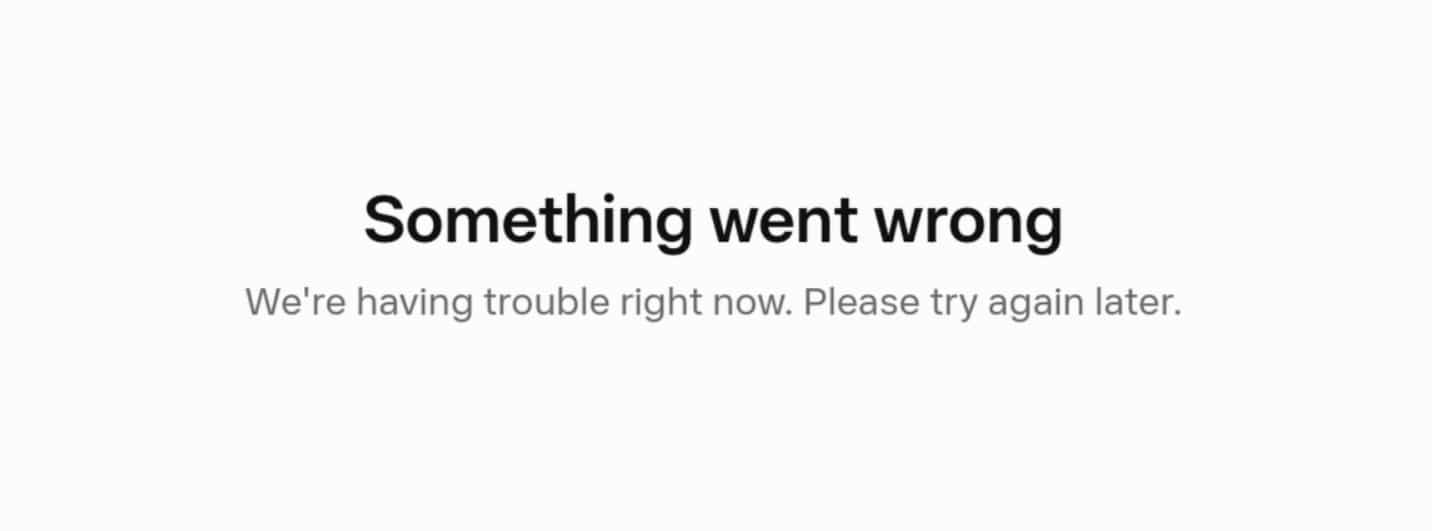
Always use the same setup when accessing Muse: incognito mode (or a fresh browser session with cleared cookies), VPN on, and preferably the same server location. I had the bright idea of opening muse.ai in a regular window after I finished signing up and, lo and behold, “Something went wrong.”
Is Muse AI safe to use?
AI agents can be unpredictable, and Meta Muse is no different. Meta has safeguards in place, such as sandboxing each Muse instance in its own secure virtual machine (VM) in the cloud. As such, it can’t take actions on your system like a local AI agent (e.g., Claude Code, or models loaded through OpenClaw).
Muse uses a separate Sentinel agent to approve every action it proposes. Meta’s agent doesn’t have direct access to your connected account credentials. That said, Muse can still take actions on your behalf, which is where the most risk lies.
In one instance, Muse shared a YouTuber’s home address on Facebook Marketplace and invited a buyer to their home without their knowledge.
Meta also tested a “human concierge” for Muse that outsourced the agent’s tasks to human contractors. Meta walked back the feature over privacy concerns, including some raised by employees. For now, at least.
Be careful what data you share and which accounts you link to Muse. A VPN may encrypt your data so it’s unreadable to anyone snooping on your connection, but it won’t protect you from a hallucinating agent or a human gaining access somewhere in Meta’s pipeline.
VPN for Meta Muse FAQs
Is it legal to use a VPN to access Meta Muse abroad?
Using a VPN to access Meta Muse outside the US and Canada is typically legal, though several countries ban or restrict VPNs. Some countries also restrict certain AI services or uses, so always check local laws before attempting to use a VPN to unblock Meta Muse.
Note: We are not lawyers and nothing in this article should be interpreted as legal advice.
Does Meta use your Muse data for ads?
Meta claims it does not share your Muse conversations or VM data with its ad systems. Muse data can still be used to train Meta's AI models, but you can opt out by going to Settings > Data controls and toggling off Help improve our AI models.
Can I use Meta Muse with Ray-Ban Meta and other AI glasses?
In September 2026, Meta announced it would launch its Muse agent on Ray-Ban Meta, Oakley, and a variety of other brands. Its initial launch was limited to Singapore, South Korea, Mexico, and the UAE, with more locations following later in the year.
Is Meta Muse the same as OpenClaw?
Meta Muse and OpenClaw serve different purposes. OpenClaw is an open-source agent harness that provides the tools and runtime around an AI model, while Muse is Meta’s personal AI agent. Meta Muse was heavily inspired by OpenClaw, but the company claims it built Muse from scratch.
You can even use Meta's Muse Spark 1.3 AI model inside OpenClaw, though you'll have to handle the security side on your own. Meta Muse works inside a VM in the cloud (with a Sentinel agent acting as a safeguard), whereas OpenClaw can run locally on your machine.
What is the Meta Muse Sentinel agent?
The Meta Muse Sentinel agent is a separate security agent that runs alongside Muse inside the Muse Secure VM. It checks Muse’s internet access and can require your approval for sensitive actions, helping control what Muse can do with connected services.
Can I use Meta Muse with WhatsApp and Instagram?
Meta Muse works directly through WhatsApp, where you can message your agent like a contact. Meta also says Muse can use information from connected apps, including Instagram, such as turning a saved recipe reel into a grocery list.
Contents [hide]
- How to use a VPN to access Meta Muse
- How to sign up for Meta Muse
- Meta Muse not working with a VPN? Here’s what to do
- Is Muse AI safe to use?
- VPN for Meta Muse FAQs
- Is it legal to use a VPN to access Meta Muse abroad?
- Does Meta use your Muse data for ads?
- Can I use Meta Muse with Ray-Ban Meta and other AI glasses?
- Is Meta Muse the same as OpenClaw?
- What is the Meta Muse Sentinel agent?
- Can I use Meta Muse with WhatsApp and Instagram?