The largest internet service provider in the United States, Comcast has been known to throttle its customers’ traffic when the company detects activities it doesn’t approve of. Streaming and torrenting are especially disliked by Comcast. If you are having issues with Comcast Xfinity for streaming, downloading, or anything else, rest assured that there is a workaround. A VPN for Comcast Xfinity is the answer to your problems.
A VPN, or a Virtual Private Network, is a security tool frequently used by privacy-conscious internet users to hide their traffic from the prying eyes of their ISP. A VPN will make your online communications invisible to your ISP, government agencies, and malicious third parties snooping on public WiFi networks. It works by encrypting your internet traffic and routing it through an intermediary server. The top VPN providers offer a wide range of server options in several locations all over the world so you can easily retain your privacy while having access to geographically-restricted content available only in other countries. VPNs are not only great for privacy, but also for streaming from abroad so you don’t lose access to your favorite movies and shows when traveling internationally.
In this article, I’ll walk you through my top eight VPNs for Comcast Xfinity. Before I dive into the details, check out this summary of my top picks below.
- NordVPN: My number one choice VPN for Comcast Xfinity customers. NordVPN hits all the right marks when it comes to security, speed, and unblocking geo-restricted services. Comes with thousands of servers to choose from and a risk-free 30-day money-back guarantee.
- Surfshark: A great budget option for Comcast Xfinity users. Delivers high speeds for a low price. Strong privacy protections, a wide selection of servers, and an unlimited number of simultaneous connections.
- ExpressVPN: Stream your favorite movies and shows on Comcast with this super fast VPN. Its 3,000+ servers in 94+ countries around the world can unblock all of the top streaming sites with ease.
- CyberGhost: This VPN’s user-friendly apps makes it a solid choice for beginners. Streams at super fast connection speeds while protecting your privacy online. Works great with Comcast Xfinity.
- PrivateVPN: A solid choice VPN for Comcast. Places its emphasis on privacy and security, but doesn’t compromise on connection speeds, either.
- IPVanish: Kodi users and torrent fans favor IPVanish. Dodge Comcast throttling with this secure VPN. The company owns every server on its network instead of renting from third parties.
- Private Internet Access (PIA): A lightweight, secure option that keeps your internet connection private and prevents ISP throttling.
- Atlas VPN: Despite being a smaller provider, its service is of high quality and it can provide secure access to many different services and can also stop ISP throttling.
The best VPNs for Comcast Xfinity
I could have included many other good VPNs in this list, but not every VPN works equally well for the same purpose. I made my selections based on the following criteria:
- Strong encryption
- Plenty of security features
- No logs
- Bypasses geographic restrictions on the biggest streaming sites
- Reliable connection speeds
- Wide selection of servers and locations to choose from
If you’d like to learn more about the criteria I used, you can find out more information about the process in the methodology testing section found later in this article.
Here’s a list of the best VPNs for Comcast Xfinity:
1. NordVPN
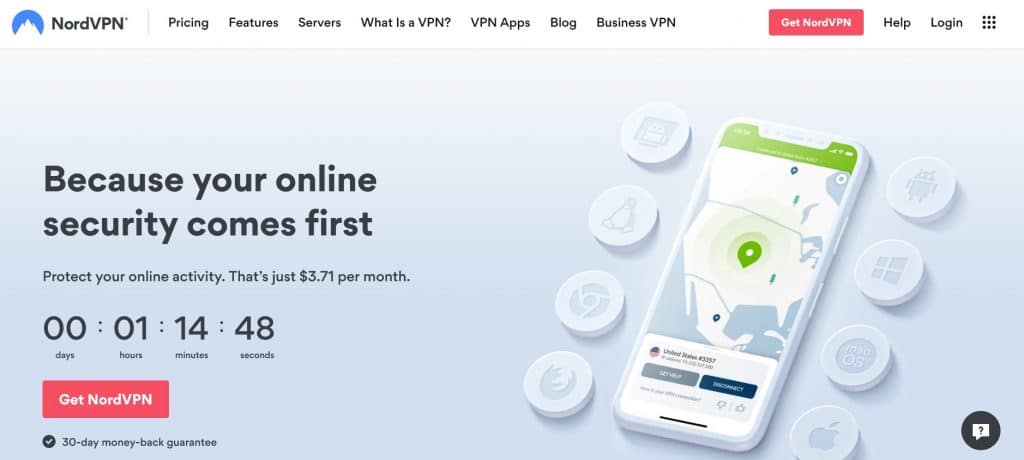
NordVPN has been around since 2012 and will keep everything you do online private. NordVPN runs a sizeable server network of more than 5,500 servers in 59+ countries around the world that are fast enough to seamlessly stream HD video from Netflix, Hulu, and other top streaming sites. Its no logs policy guarantees that none of your online activities or personal information will ever be stored by the company. NordVPN is headquartered in Panama where the company is not subject to data retention laws, so your data is free from surveillance.
The provider uses military-grade 256-bit AES encryption to keep the contents of your internet traffic hidden from your ISP. Its network of servers includes specialty servers optimized for a variety of specific functions including Tor over VPN, double VPN, split tunneling (Windows and Android app only), streaming, gaming, and downloading. This VPN comes with a kill switch that will stop the flow of information in the event you abruptly lose connection to the VPN, so you won’t unexpectedly browse the web without protection. NordVPN accepts payments in Bitcoin for anonymous registration if you want an extra layer of privacy.
A single subscription lets you protect up to six devices at once. Apps are available for Windows, macOS, iOS, Android, Amazon Fire TV, and Linux. Linux systems and select routers require manual setup.
Pros:
- Military-grade encryption hides your activities from Comcast
- No logging policy
- Fast, reliable connection speeds
- Large selection of servers
- Six simultaneous connections
Cons:
- Desktop app can be difficult for beginners to use
TOP VPN FOR COMCAST XFINITY:NordVPN’s security, speed, and server selection makes it my number one choice. No logs, strong encryption, and six simultaneous connections. Try it out by using its risk-free 30-day money-back guarantee.
2. Surfshark

Surfshark’s low price doesn’t mean low quality. This is my top budget pick for providing a selection of 3,200+ secure servers in 95+ countries that keep your connection private from Comcast. Your traffic is secured with 256-bit AES encryption and prevents DNS, IPv6, and WebRTC leaks. Further protection comes from an automatic ad and malware blocker and a split tunneling feature that lets you select which apps you want to bypass the VPN. Its automatic kill switch will prevent you from using the internet without encryption in case you unexpectedly lose connection to Surfshark.
Surfshark is great for streaming as well. It can lift geo-blocks on most major streaming platforms such as Amazon Prime Video, Netflix, and Hulu, and stream HD video with little to no lag. Surfshark keeps no logs on user activity.
Customers get great value with Surfshark because it provides an unlimited number of simultaneous connections, so you can protect every device you own. Apps are available for Windows, macOS, iOS, Android, Amazon Fire TV, Linux, and some routers. Routers need to be manually configured.
Pros:
- 256-bit AES encryption
- Bypasses restrictions on streaming platforms
- Unlimited connections
- Thousands of fast servers for buffer-free streaming
Cons:
- Has a few slow servers
- Customer support could be better
SECURITY ON A BUDGET:Surfshark is a versatile all-purpose VPN that’s great for families,
Can I use a free VPN for Comcast Xfinity?
If you’re worried Comcast might be spying on you, you’re probably going to get the same treatment from a free VPN. While there are plenty of popular free services with positive reviews on most app stores, the $0 price tag comes at the cost of security and performance.
Most free VPN companies have to make a profit through much more questionable means than providers that make their money upfront. In exchange for a free service, these companies can record your online activities and sell them to third-party advertisers without asking for your consent. Free VPNs often inject advertisements into your browser and may even spread malware.
Not only are they security hazards, but they also don’t deliver on performance. Free providers rarely make enough money to run a network of more than a handful of servers, and these fill up quickly with users who aren’t willing to pay for a full-price VPN. The infrastructure can’t support a large number of users at once without leading to slow connection speeds and frequent connection loss. Even the best free VPNs will cut you off from the service once you hit your data cap, so if you’re trying to stream movies and shows in high definition, your show may come to a premature end.
You’ll save yourself a lot of trouble by subscribing to and paying for a high-quality VPN instead of opting for a free choice.
Do VPNs prevent you from going over your ISP data overage cap?
A VPN will hide your online activities from your ISP, but it will not exempt you from data caps. Comcast Xfinity customers on some packages are allotted 1TB of data per month and will charge an extra $10 for every additional 50GB of data consumed. This has more to do with how much data you’re using instead of the kind of activities you’re using the internet for, which is what throttling is all about. For example, Comcast will slow down your internet speed if it detects peer-to-peer internet traffic in order to discourage customers from torrenting.
3. ExpressVPN

ExpressVPN is a popular VPN for streaming thanks to the fast connection speeds it gets from its 3,000+ servers, which are spread across 94+ countries. ExpressVPN’s servers are capable of streaming content from Netflix, Hulu, Amazon Prime Video, BBC iPlayer, and plenty of other top streaming platforms.
This is a fast VPN for streaming, downloading, and gaming, but it doesn’t sacrifice points on security, either. ExpressVPN keeps your online communications safe with 256-bit AES encryption, a kill switch, protection against DNS leaks, and perfect forward secrecy. PFS regularly rotates the encryption keys so even if your internet traffic was intercepted during a man-in-the-middle attack, the attacker would only be able to decrypt a small portion of it.
ExpressVPN lets you protect five devices at once and offers apps for Windows, macOS, iOS, Android, Amazon Fire TV, Linux, and some WiFi routers.
Pros:
- Avoids ISP monitoring with 256-bit AES encryption
- Perfect for streaming, downloading, and torrenting
- Thousands of servers worldwide
- Unblocks just about anything
Cons:
- One of the most expensive VPNs on this list
- Streaming servers are not labeled
EPIC SPEEDS:ExpressVPN is a great choice for users who love to stream often. Protects five devices at once and offers a 30-day money-back guarantee.
4. CyberGhost
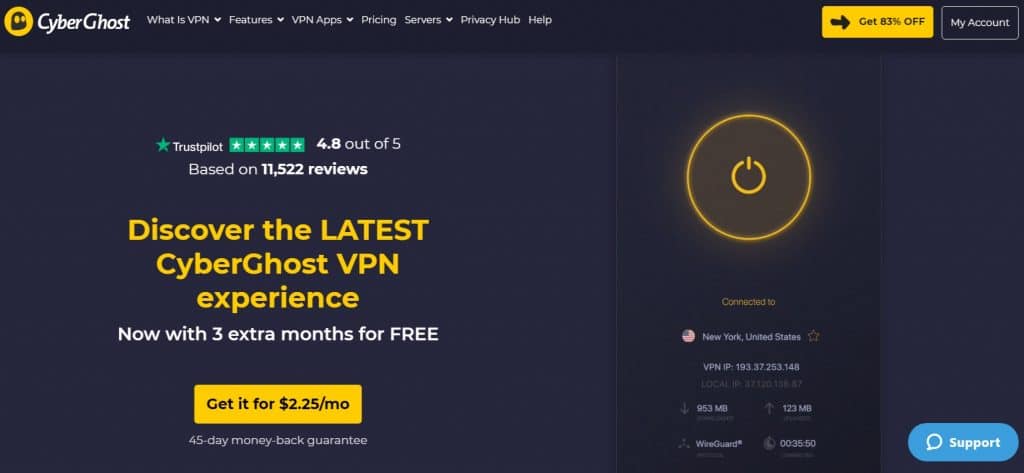
CyberGhost‘s easy-to-use apps are designed to choose a server for you based on your activities, from a network of more than 8,800 servers in 91+ countries. If you want to stream Netflix, for example, CyberGhost will direct you to a Netflix-dedicated server so you don’t connect to one that doesn’t work as well. CyberGhost provides servers dedicated to several streaming platforms as well as its “NoSpy” servers optimized for security purposes. These servers are all located in the company’s home country of Romania and are owned solely by CyberGhost staff instead of rented from third parties. Romania is a country with no data retention laws, so you are free from government surveillance. Better still, CyberGhost is a no-logs provider.
It protects your online activities with 256-bit AES encryption, DNS protection, and a kill switch. It also comes with anti-tracking and anti-malware features, and permits P2P file sharing. CyberGhost apps are available for Windows, macOS, iOS, Android, Amazon Fire TV, and Linux. One subscription grants you a generous allowance of seven simultaneous connections.
Pros:
- Easy-to-use apps are ideal for beginners
- Encryption bypasses Comcast throttling
- Affordable price
- Largest server network on this list
Cons:
- Advanced users may find its features lacking
- Doesn’t work in China, Turkey, or the UAE
BEGINNER’S CHOICE:CyberGhost is an affordable and user-friendly VPN. Has more servers than any other provider on this list, so you can easily avoid monitoring from Comcast. Seven simultaneous connections and a 45-day money-back guarantee are included.
5. PrivateVPN

PrivateVPN meets a high standard of speed, security, and unblocking ability. You’ll be able to avoid monitoring from Comcast by making use of its 256-bit AES encryption and no logs policy. A kill switch and DNS protection are built into its apps so none of your unencrypted data will leak out into the open. PrivateVPN keeps your data safe by adhering to a strict no logs policy.
The provider performs well when accessing Netflix, Amazon Prime Video, BBC iPlayer, and Hulu from abroad. Its servers are labeled with the names of streaming platforms so you can easily find which ones work best with your preferred platform instead of finding out through trial and error.
PrivateVPN provides apps for Windows, macOS, iOS, Android, and select routers. There is no app for Linux systems, but its website does offer a few how-to guides for configuring Linux systems.
Pros:
- Encrypted connections
- Unblocks most of the top streaming platforms
- Fast connection speeds for streaming and downloading
- No logs
Cons:
- Small number of servers
- No Linux app
CONSISTENT SPEEDS:Evades Comcast throttling and works great with streaming sites. Connect up to six devices at once. Includes a 30-day money-back guarantee.
6. IPVanish

IPVanish is a privacy-first VPN that may be based in the United States, but does not record any of your online activities. It is one of the few VPN providers that owns and manages every server on its network rather than rents them from third parties. This VPN comes with a server selection of over 2,000 servers spread across 75+ locations around the world and delivers reliable connection speeds. It isn’t the best at bypassing the proxy detection systems of top streaming sites, but it is nonetheless a favorite among torrent and Kodi users. IPVanish permits torrenting and includes a remote-friendly interface for Kodi users without a keyboard and mouse.
The provider uses 256-bit AES encryption, a kill switch, DNS leak protection, and gives you options for traffic obfuscation and regularly switching your IP address at preset intervals. IPVanish grants an unlimited number of simultaneous connections with a single account. Apps are available for Windows, macOS, iOS, Android, Amazon Fire TV, and Linux.
Pros:
- Independently-owned server network
- Industry-standard encryption and security features
- Easy to use for Kodi users
- Allows torrenting
Cons:
- Relatively small number of servers
- Inconsistently unblocks streaming platforms
PROTECT EVERY DEVICE:Unlimited connections allow you to protect every device owned by you, your friends, and your family. Great for torrenting and Kodi use. Isn’t the best streaming VPN, but meets the needs of those who need privacy above all. Comes with a 30-day refund period.
7. Private Internet Access
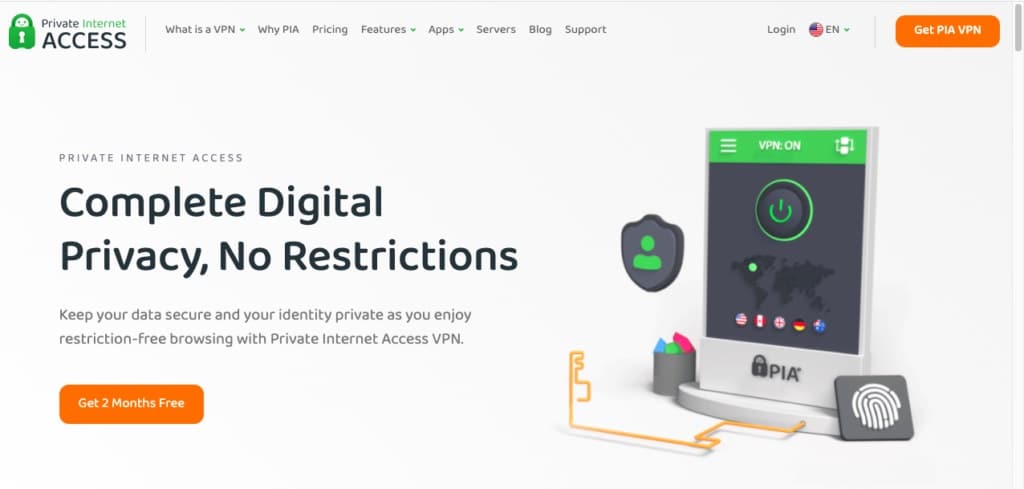
Private Internet Access (PIA) is a lightweight option that has servers in over 80 countries. It can unblock many different streaming services and is a good option for bypassing Comcast throttling.
Strong security is offered by this provider as well. It offers 256-bit AES encryption, a kill switch, and split tunneling to keep users safe while online.
Apps are available for Windows, macOS, Linux, iOS, and Android. PIA offers 24/7 customer service via a live chat and also gives users the ability to connect 10 simultaneous devices simultaneously.
Pros:
- Strong security measures
- Can provide secure access to many different services
- Has several customization options
- Can bypass throttling measures put in place by Comcast
Cons:
- Doesn’t work well in China
- App design could be improved
LIGHTWEIGHT AND SECURE OPTION:PrivateVPN is a lightweight option that can bypass throttling measures put in place by ISPs. PIA also has customer service that’s available 24/7 via live chat and 10 simultaneous connections are allowed. This service comes with a 30-day money-back guarantee.
8. Atlas VPN
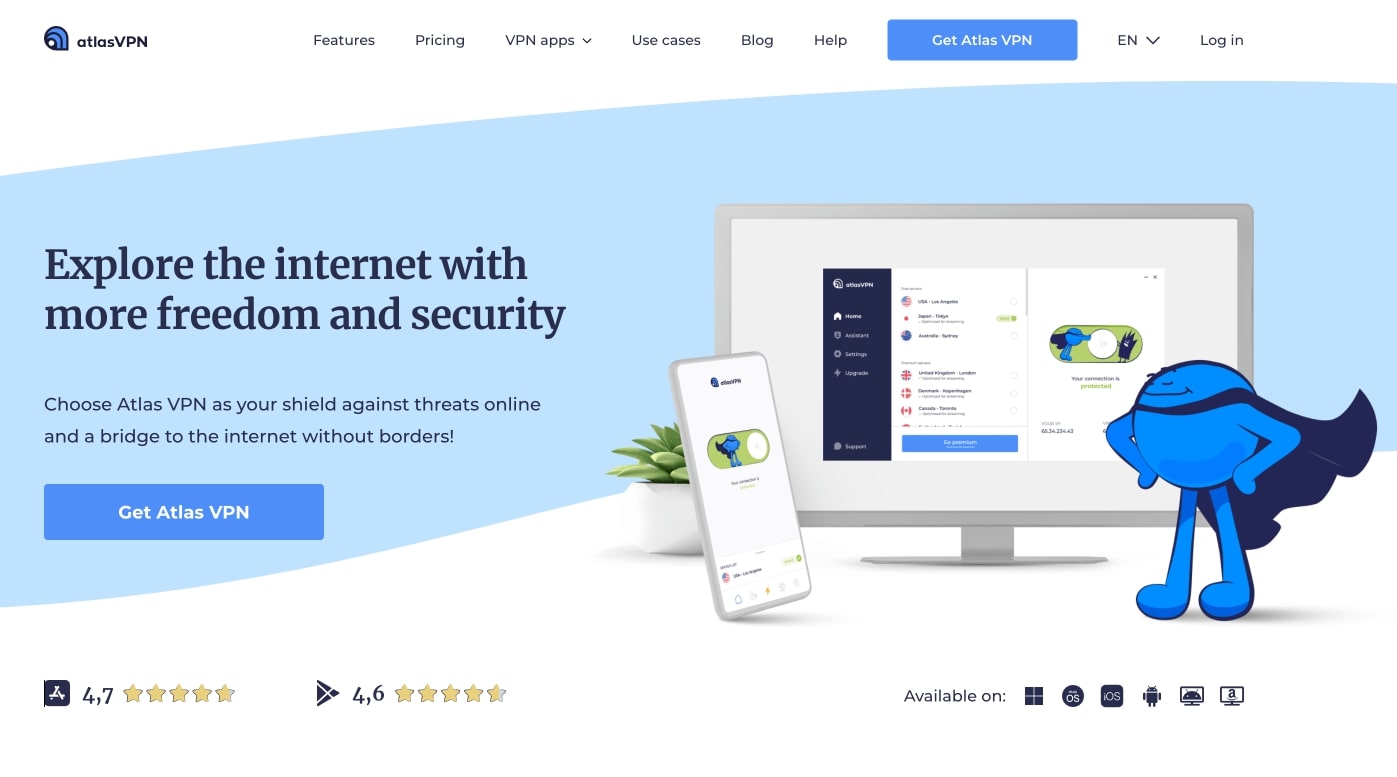
Atlas VPN has just under 800 servers in more than 40 locations. Its network of servers is fast and can bypass throttling measures put in place by ISPs. It can also grant secure access to streaming services such as Netflix. While it doesn’t have the largest server network, it is effective at protecting users online and preventing Comcast’s throttling.
This provider’s security measures include 256-bit AES encryption, a kill switch, and protection against DNS, WebRTC, and IPv6 leaks. This service stores no logs either. It also offers MultiHop servers that encrypt your connection twice for increased security.
Atlas VPN has apps available for macOS, Windows, iOS, and Android. It supports an unlimited number of connections as well.
Pros:
- Can unblock many different streaming services and prevent Comcast throttling
- Provides fast connection speeds
- MultiHop servers encrypt data twice
- Stores no identifying logs
Cons:
- Doesn’t work in China
- Customer service could be better
STRONG ENCRYPTION AND FAST STREAMING SPEEDS:Atlas VPN has strong security measures in place and also provides fast connection speeds. On top of this, it offers a 30-day money-back guarantee with subscriptions.
Methodology: How I find the best VPNs for Comcast Xfinity
Not all VPNs on the market work with Comcast Xfinity. Using my VPN testing methodology, I’ve been able to find the very best VPNs for Comcast users. Here are some of the things I look for during my testing:
- Servers: A large choice of servers helps you to stay undetected by Comcast. This is known as server hopping, and makes it so much harder for your ISP to detect your VPN usage. I only recommend VPNs that have the best server selections, including those with plenty of geographical coverage.
- Privacy and security: Strong privacy and security measures are the only way that a VPN can bypass Comcast Xfinity and its throttling policies. The 256-bit AES encryption, network kill switch and no-logs policy available with all of these recommended VPNs help you to keep your connection private.
- Speeds: You’re trying to avoid Comcast’s throttling, so it would be even more frustrating if the VPN did the same thing. My speed tests ensure that I am only recommending the fastest VPNs on the market, perfect for streaming and downloading files.
- Value: My assessment of value includes looking at the subscription cost and what you actually get for your money. I expect to see a money-back guarantee, great customer service, and much more included for users.
How to use a VPN with Comcast Xfinity
Follow these simple steps to use a VPN with Comcast Xfinity:
- Choose a VPN provider that suits your preferences. I suggest NordVPN.
- Download the app onto each of your Xfinity-connected devices.
- Launch the VPN and connect to a server. Closer servers will result in faster speeds.
- Once connected, your internet traffic will be encrypted and out of Comcast’s sight.
- If you have any issues with your connection, clear your cookies and cache.
Setting up a VPN on Comcast Xfinity routers
An alternative to setting up each individual device with a VPN app is to configure a router with your preferred VPN. Every device connected to the router will be automatically protected by the VPN, so it’s great for households that use a lot of different devices at once, and for avoiding connection limits. Devices that normally don’t support VPNs, such as streaming devices and gaming consoles, will get to benefit from the protection a VPN offers. The best way to set up a VPN on a Comcast-compatible router is to keep your modem and WiFi router separate.
Not all modems and routers are supported by Comcast Xfinity, and not all WiFi routers support VPN connections by default. That substantially narrows down your options. You’ll have to replace your router’s firmware with firmware that supports common VPN protocols such as OpenVPN. You can try free firmware such as DD-WRT, TomatoUSB, AsusWRT, and OpenWRT to enable VPN support on your router. Be careful to follow your manufacturer’s instructions closely for replacing the firmware so you don’t cause permanent damage to your router.
Then you will have to follow your VPN provider’s instructions for setting up your VPN-compatible router. This varies from one provider to the next, but once everything is completely set up, every device connected to your router will be protected.
I recommend separating your router and modem because the process is more complicated for modem-router combos. What happens in the firmware for the modem part may affect the firmware in the router part of the device in unpredictable ways.
VPN for Comcast Xfinity FAQs
Can I use a free VPN for Comcast Xfinity?
If you’re worried Comcast might be spying on you, you’re probably going to get the same treatment from a free VPN. While there are plenty of popular free services with positive reviews on most app stores, the $0 price tag comes at the cost of security and performance.
Most free VPN companies have to make a profit through much more questionable means than providers that make their money upfront. In exchange for a free service, these companies can record your online activities and sell them to third-party advertisers without asking for your consent. Free VPNs often inject advertisements into your browser and may even spread malware.
Not only are they security hazards, but they also don’t deliver on performance. Free providers rarely make enough money to run a network of more than a handful of servers, and these fill up quickly with users who aren’t willing to pay for a full-price VPN. The infrastructure can’t support a large number of users at once without leading to slow connection speeds and frequent connection loss. Even the best free VPNs will cut you off from the service once you hit your data cap, so if you’re trying to stream movies and shows in high definition, your show may come to a premature end.
You’ll save yourself a lot of trouble by subscribing to and paying for a high-quality VPN instead of opting for a free choice.
Do VPNs prevent you from going over your ISP data overage cap?
A VPN will hide your online activities from your ISP, but it will not exempt you from data caps. Comcast Xfinity customers on some packages are allotted 1TB of data per month and will charge an extra $10 for every additional 50GB of data consumed. This has more to do with how much data you’re using instead of the kind of activities you’re using the internet for, which is what throttling is all about. For example, Comcast will slow down your internet speed if it detects peer-to-peer internet traffic in order to discourage customers from torrenting.
Contents [hide]
- The best VPNs for Comcast Xfinity
- 1. NordVPN
- 2. Surfshark
- Can I use a free VPN for Comcast Xfinity?
- Do VPNs prevent you from going over your ISP data overage cap?
- 3. ExpressVPN
- 4. CyberGhost
- 5. PrivateVPN
- 6. IPVanish
- 7. Private Internet Access
- 8. Atlas VPN
- Methodology: How I find the best VPNs for Comcast Xfinity
- How to use a VPN with Comcast Xfinity
- Setting up a VPN on Comcast Xfinity routers
- VPN for Comcast Xfinity FAQs
- Can I use a free VPN for Comcast Xfinity?
- Do VPNs prevent you from going over your ISP data overage cap?