

Android TV boxes are popular alternatives to media center software like Kodi or Plex because they require minimal configuration. One of the biggest problems many people have with Android TV boxes is the geo-restricted content on their video apps. This means the viewing options are limited to the user’s region, but Android TV Box VPNs can help to overcome this.
A Virtual Private Network, or a VPN, will circumvent regional limitations. VPNs encrypt your traffic and route it through an intermediary server located somewhere else in the world. It masks your true IP address and swaps it out for the IP address of your selected server, giving your internet traffic the appearance of originating from the VPN server’s location instead of your own. You will then be able to access geo-blocked streaming content with ease.
In this article, I’ll walk you through each of my top eight VPNs in detail. Here’s a short summary of my top choices for Android TV boxes.
My best VPNs for Android TV boxes:
- NordVPN: My top VPN for Android TV boxes. Meets high standards of security and runs thousands of fast servers. Comes with a risk-free 30-day money-back guarantee.
- Surfshark: Great security and performance for a low price. Works with Android TV boxes and offers unlimited simultaneous connections.
- ExpressVPN: A fast and easy-to-use option for HD streaming on Android TV boxes. This VPN offers router support if your Android device doesn’t support VPNs.
- CyberGhost: This low-cost, user-friendly VPN is great for Android TV. Runs 8,900+ fast servers in 91+ countries that can unblock almost anything.
- PrivateVPN: A newcomer VPN great for streaming over secure connections and works seamlessly with Android TV.
- IPVanish: A privacy-first VPN that offers a remote-friendly interface for Android TV and Kodi users. Allows torrenting. Doesn’t consistently work with Netflix or Hulu, however.
- Private Internet Access (PIA): A lightweight and secure option that is good for streaming applications such as Android TV boxes.
- Atlas VPN: This is a smaller, newer provider that offers fast streaming speeds. It is secure and a good option for Android TV boxes.
Best VPNs for Android TV Boxes
The VPN market has a wide selection to choose from, but not all VPNs work best for Android TV box users. I compiled this list based on the following criteria:
- Wide selection of fast servers
- An Android app and a separate APK file for manual installation
- Works with top streaming services like Netflix, Hulu, and Amazon Prime Video
- Keeps no logs
For more information about the criteria I used, check out the testing methodology section found later in this article.
Here is my list of the best VPNs for Android TV boxes:
1. NordVPN
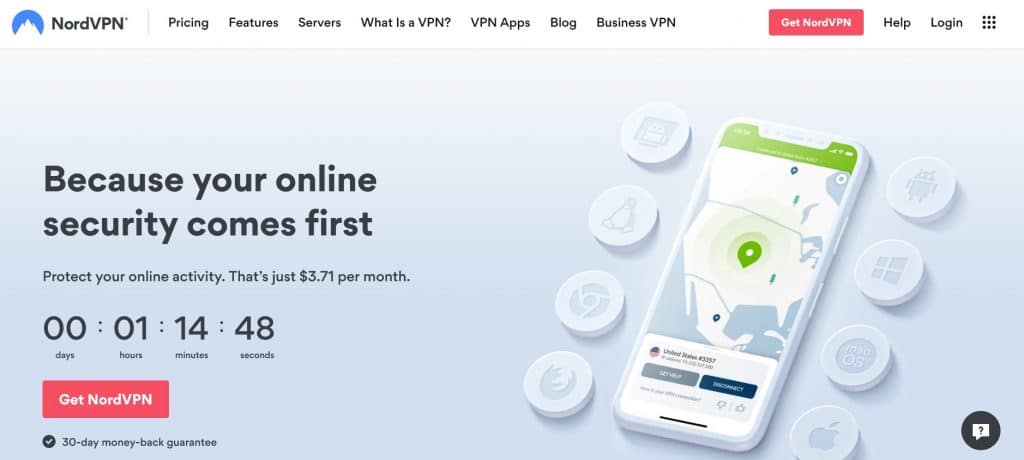
NordVPN operates one of the largest VPN networks on the market with over 5,500 servers in 59+ countries, which includes specialized servers optimized for ultra-fast streaming. It also offers robust security features including military-grade encryption, a kill switch in case your connection unexpectedly drops, and a strict no-logs policy so that your online activities can’t be traced back to you.
NordVPN allows you to protect up to six devices at once, which is more simultaneous connections than most of its competitors. Customer support is available 24/7 via live chat.
Apps are available for Windows, macOS, Android, Linux, and iOS, in addition to browser plugins for Firefox and Chrome. Supported WiFi routers can be manually configured with NordVPN.
Pros:
- Top-notch security standards
- Thousands of fast servers worldwide
- Streams at high speeds suitable for HD streaming
- Bypasses geo-blocks on most of the top streaming platforms
- No-logs policy
Cons:
- Occasionally the desktop app can be slow
BEST VPN FOR ANDROID TV:My top choice for Android TV. Delivers fast speeds for HD streaming while abroad. Zero logs and allows for six simultaneous connections. Comes with a risk-free 30-day money-back guarantee.
2. Surfshark
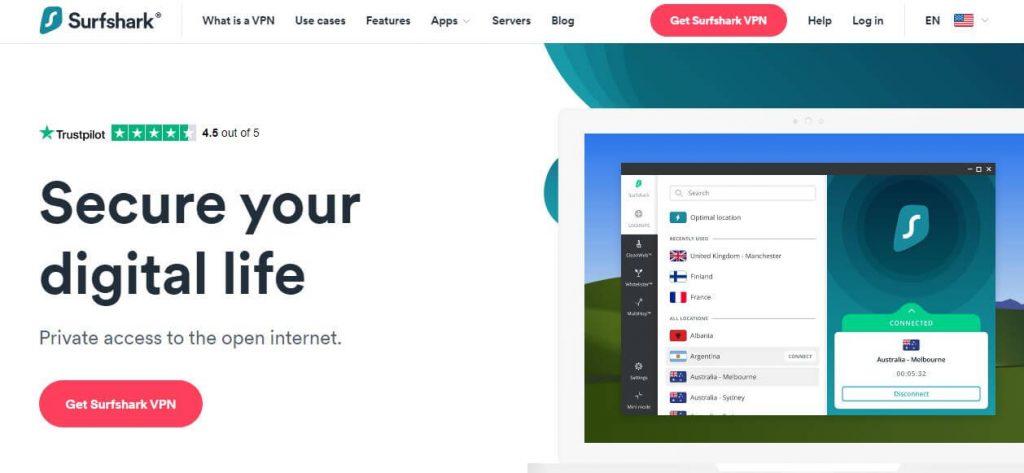
Surfshark is another great option for streaming. It works with some of the most stubborn streaming platforms on the market including Netflix, BBC iPlayer, Hulu, and Amazon Prime Video. It even offers an unlimited number of simultaneous connections in case you have a large number of devices.
Surfshark protects your traffic with strong encryption and a kill switch that stops your internet traffic in the event your VPN connection suddenly fails, thereby keeping your unencrypted data from leaking out. It has a relatively small server network, but its performance and security meet a high standard nevertheless. Customer support is available around the clock over live chat.
Apps are available for Windows, macOS, iOS, Android, Android TV, and Linux.
Pros:
- One of the best VPNs for streaming, downloading, and gaming
- Unblocks just about anything
- Zero logs
- Unlimited simultaneous connections
- Strong encryption protocol and security features
Cons:
- You may run into the occasional slow server
- Customer support could be better
LOW-COST PROVIDER:High speeds for a low price. Doesn’t compromise on security and allows you to protect every device you own at once. 30-day money-back guarantee included.
3. ExpressVPN

ExpressVPN’s fast speeds and lack of bandwidth restrictions make it one of the best VPNs for streaming HD video content. This service operates a large server network in more than 90 countries and works with popular streaming platforms such as Netflix, Amazon Prime Video, HBO, and BBC iPlayer.
ExpressVPN combines speed and security with 256-bit AES encryption and doesn’t log your IP address or your browsing history. ExpressVPN includes a kill switch that will halt all internet traffic if the connection to the VPN is lost.
Apps are available for Windows, macOS, iOS, Android, Linux, and some routers. It can be manually configured to function on Chrome OS, Apple TV, Playstation systems, and the Xbox One.
Pros:
- Easy to use with Android TV devices
- Streams HD video content at remarkable speeds
- Top-notch security protections
- Apps available for a wide range of platforms
Cons:
- One of the more expensive VPNs
- Streaming servers can be hard to find
STREAM FROM ABROAD:ExpressVPN streams high-quality content from anywhere in the world. Successfully lifts restrictions on Netflix, Hulu, Amazon Prime Video, and others. Includes a 30-day money-back guarantee.
4. CyberGhost

CyberGhost is a popular selection for the privacy-conscious. All traffic is secured with 256-bit encryption and the service doesn’t log your browsing history or your IP address. CyberGhost includes a built-in ad blocker, forced HTTPS redirection, and malware protection to keep you protected at all times. The company operates a server network of more than 8,900 servers in 114+ locations across 91+ countries.
The user-friendly CyberGhost app helps you find a server based on which streaming service you want to access. The “Unblock Streaming” tile lets you select services such as Netflix, Amazon Prime, and Comedy Central from a list and it will match you with a server optimized for that particular platform.
This VPN offers apps for Windows, macOS, Linux, iOS, and Android. CyberGhost can be manually configured with supported WiFi routers.
Pros:
- Compatible with Android TV boxes
- Largest server network on this list
- Servers optimized for streaming and secure web browsing
- Incredible streaming speeds
- Low-cost
Cons:
- Doesn’t work in China
- Experienced users may find its features limiting
BEGINNERS' CHOICE:CyberGhost is low-cost, easy to use, and high-performance. Includes a custom app for Android TV. It also features a generous 45-day money-back guarantee.
5. PrivateVPN

PrivateVPN may run a relatively small server network of only 200+ servers in 63+ countries, but it achieves above-average streaming speeds and has no noticeable buffering when streaming 1080p content. It can unblock Netflix, BBC iPlayer, and Amazon Prime Video, but it can’t bypass the Great Firewall of China.
Live chat service is available for customer support during business hours but has slower response times on the weekends. The support staff can even remotely control your device if you need help installing the app.
Apps are available for Android, Windows, and iOS, and they can be manually configured on macOS, Linux, and some internet access routers.
Pros:
- No problems working with Android TV
- Faster-than-average speeds
- Powerful unblocking capabilities
- Robust security features
Cons:
- A small selection of servers
- Doesn’t work in China
GOOD FOR STREAMING:PrivateVPN reliably streams at fast speeds. Customer support is only available during Swedish business hours. Browse the web confidently with its 30-day money-back guarantee before committing to it.
6. IPVanish

IPVanish is popular among Kodi users due to its low cost and minimal effect on connection speeds. The company owns most of its servers instead of renting them, which means that its users’ data passes through fewer hands. All traffic is secured with 256-bit AES encryption and includes security options such as a kill switch, regular IP address changes, and OpenVPN obfuscation.
IPVanish isn’t the best streaming VPN since it can’t unblock certain streaming platforms, but offers great security when using P2P networks and Kodi. It works with every Kodi add-on I’ve tested.
Its multi-platform support makes it an easy VPN to install. IPVanish offers apps for Windows, iOS, Android, and Amazon Fire Stick. Linux and Linux-based devices like Raspberry Pi are compatible via manual configuration.
Pros:
- Compatible with Android TV
- Zero logs
- Unlimited simultaneous connections
- Strong encryption and security features
Cons:
- Isn’t consistent with Netflix and Hulu
- Not the largest selection of servers
PRIVACY FIRST:IPVanish lets you secure every device. Works well with Android TV boxes and Kodi devices. Customer support is a bit slow. 30-day money-back guarantee included.
7. Private Internet Access
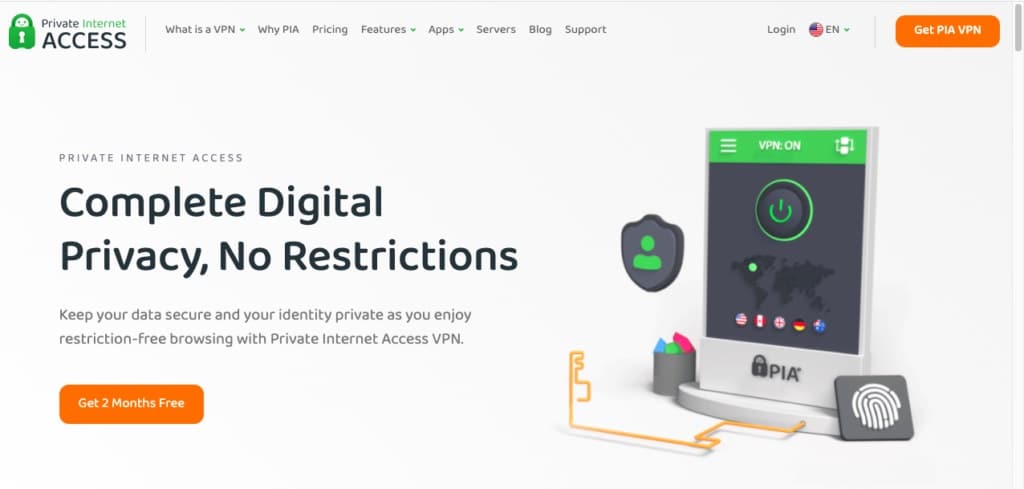
Private Internet Access (PIA) is a secure, lightweight option that has servers in around 80+ countries. It is fast and efficient thanks to its use of the efficient WireGuard VPN protocol. It protects you in the online environment and is suitable for securely streaming from platforms such as Amazon Prime Video. It is a good choice for use with Android TV boxes too.
The provider has strong security measures implemented as well. These include AES 256-bit encryption, a kill switch, and split tunneling.
PIA apps can be downloaded for Linux, Windows, macOS, and Android. PIA’s customer service is also available 24/7 via a live chat and users can customize the layout of the app. In total, users can connect ten devices simultaneously with a single account.
Pros:
- Strong security measures in place
- Provides secure access to many different streaming services
- WireGuard VPN protocol facilitates faster, more efficient browsing
- Several customization options are available
Cons:
- Doesn’t work reliably in China
- App design is lacking in some ways
SECURE AND LIGHTWEIGHT OPTION:PIA is a secure option that is fast and efficient. It also gives users the flexibility of being able to customize the layout of the apps too. It’s also a good option for Android TV boxes and offers a high level of security to users. This service comes with a 30-day money-back guarantee.
8. Atlas VPN
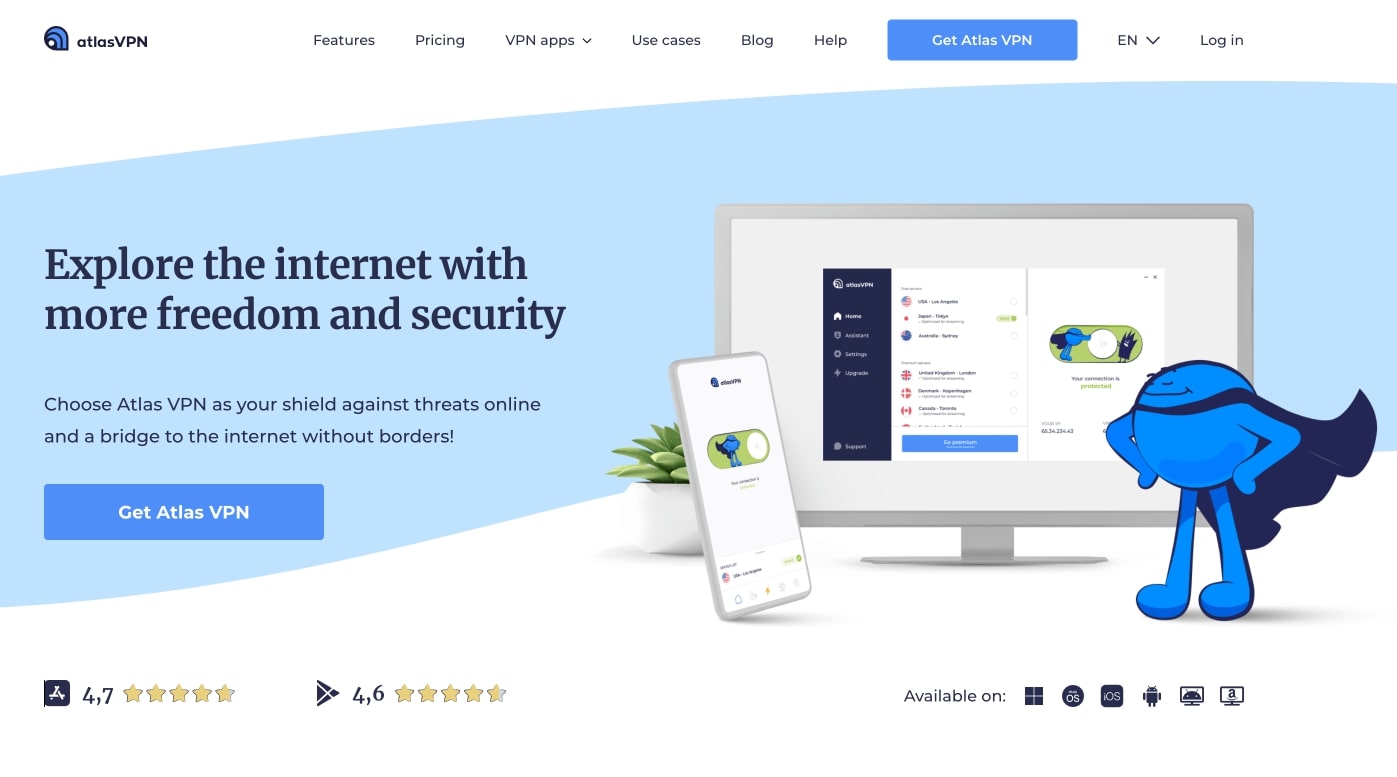
Atlas VPN is a newer provider with a relatively small network of VPN servers (750+). It is a good option for streaming and can facilitate secure access to services such as Netflix and Amazon Prime Video.
Atlas VPN has many security features in place such as AES 256-bit encryption, a kill switch, and protection against DNS, WebRTC, and IPv6 leaks. This service stores no logs either. On top of all of this, there is also the option to connect to MultiHop servers which encrypt your connection twice for increased security.
Apps are available for Windows, macOS, Android, and iOS. An unlimited number of connections is supported.
Pros:
- Works with many different streaming services
- Fast connection speeds are available
- MultiHop servers encrypt data twice
- No identifying logs are kept by the provider
Cons:
- Doesn’t work in China
- Customer service could use some improvement
GOOD SECURE STREAMING OPTION:Atlas VPN may be a newer provider but it offers great service, fast connection speeds, and strong security measures. Atlas VPN comes with a 30-day money-back guarantee.
My methodology: How I found the best VPNs for Android TV
Not every VPN works with Android TV, and even some that do aren’t products that I would recommend. Each VPN on this list has been put through its paces using my extensive VPN testing methodology. Here are some of the things I looked for:
- Servers: A wide selection of servers means that the network never gets overloaded and that users always have plenty of choice. I don’t just look at the sheer volume of the servers, but the geographical coverage, too.
- Compatibility: The VPN must work seamlessly with Android TV, first and foremost. But I also check compatibility with popular devices and operating systems to ensure that the VPN is suitable for each.
- Security: Security and privacy are two of the most important aspects of any VPN. If it isn’t safe, I won’t recommend it. Some of the specific tools I look for include 256-bit AES encryption, a no-logs policy, and a network kill switch.
- Speeds: Android TV requires good internet speeds and a reliable connection, otherwise you can encounter buffering and frustrating error messages. I run speed tests to ensure that I only list the very fastest VPNs.
How to set up a VPN on Android TV Box
Installing your VPN app is simple. Follow the instructions below to get started.
Here’s how to set up a VPN on Android TV Box:
- Sign up for your favorite VPN provider. I recommend NordVPN.
- Navigate to the Google Play Store on your Android TV box.
- Find your VPN provider’s app.
- Download the VPN app.
- Open the app and connect to a server. You should be able to securely browse the web and access geo-locked content.
How to manually set up a VPN on an Android TV box
If you can’t access the app store on your device interface, don’t worry—Android lets you manually install and configure your VPN. I’ll explain how to do this below.
How to install an APK file manually on Android TV Box (sideloading):
The app store is nothing more than a convenient way of finding and installing APK files. If you find the relevant file somewhere else and transfer it to your device, it will be installed in exactly the same way. This is a process known as “sideloading”.
- Go to your VPN provider’s website
- Find the page where you select your platform.
- Find a direct link to the APK file under the Android heading.
- Tap to download the file.
- Enable installation from unauthorized sources. Most devices include protection against unauthorized sources in order to protect you from suspicious apps, but there is no risk when you download from a trusted source.
- Go to your Settings menu and select the Lock screen and security option.
- About halfway down the page, you’ll see the Unknown sources setting — tap it to turn it on.
- Open your device’s file manager app.
- Navigate to the downloads folder and click on the APK file you just downloaded. After being asked to confirm, the VPN app will begin to install and will then be ready to use.
Using Android’s built-in VPN settings:
- Go to your Settings menu. The menu options may be phrased in slightly different ways depending on which version of Android you’re running, but the same features should all be there. In my case, I tapped the More option under the Wireless and networks heading, then chose the VPN option.
- Tap the + icon in the top-right corner of the screen. If you haven’t set up a lock screen PIN or password, you’ll be prompted to do this now.
- Once that’s taken care of, give your VPN connection a name.
- Enter your VPN’s details. This differs from one provider to the next but the relevant information is usually available on the website under their Android setup guide. For streaming video, IPVanish recommends using PPTP, so select that from the list.
- Next, you’ll need to enter the address of the server location you’d like to connect to. You’ll find this on your provider’s site. If you’re struggling to locate the server address list, consider looking at the Linux setup guides since this step is required on that platform as well.
- Finally, enter your login details in the boxes at the bottom and hit Save.
If you’d prefer not to log in manually every time, check the Always-on VPN option first. From here, just tap the connection and if everything has worked, you’ll be connected to the server of your choosing. You can verify that your VPN is working by using an IP address checker to see what region your IP address is linked to.
Android TV Box with VPN FAQs
Can I use a free VPN with an Android TV box?
I advise making the investment in a reputable paid service instead of opting for a free one. Free VPNs suffer from slow speeds and interruptions since most have a small network of servers and an overwhelming volume of users on each one. If your connection takes a long time just to load your email, you certainly won’t have much luck streaming HD video.
Free VPNs are known to fall short in the quality of their security and some even take advantage of their users for profit. Since they make no money from subscription fees, they have been known to derive revenue from selling their users’ internet history to third parties and even insert malware into their VPN software. The popular free VPN service Hola was even caught selling idle user bandwidth to facilitate a botnet. VPNs are supposed to be privacy tools, but using a free VPN may expose your data even more. Take a look at some cheap VPN alternatives.
Can I connect a VPN via my smart TV or can it only be done on a computer?
It depends on which app store your TV can access and how detailed its network configuration settings are. If you can access the Google Play Store, you should be able to install a VPN app directly. If not, many VPNs can be manually installed on supported home routers, which will automatically protect every device connected to your network.
Is there a VPN crack for Android TV?
There is, but I advise against installing cracks, hacks, and unofficial firmware patches for any device. Unofficial modifications can permanently damage your system. Besides, major VPN apps usually have apps available on the Google Play Store so you can just install them directly without any manual configuration. On top of that, cracked VPN apps are unlikely to receive necessary updates that keep them secure and operational.
Will a VPN slow my streaming through my Android TV Box?
You can usually expect a slight decrease in speed when using a VPN, but it is usually negligible with a good VPN. HD live streaming only requires about 8 Mbps download speeds, so you should have few or no problems as long as your base speed is 12 Mbps or higher. Other variables influence your VPN speeds as well. You will usually browse at higher speeds when using a server close to your actual location than one located on the other side of the planet. You may also experience slower speeds during peak times, especially if your provider has a relatively small network.
Is it legal to use a VPN with an Android TV Box?
Yes. VPNs are legal privacy tools that are used by a variety of businesses and individuals for legitimate reasons. There is no reason you would encounter any trouble for simply using a VPN, although there are a few countries that restrict access to VPNs. VPN usage may violate the terms of service on some streaming platforms, in which case you’ll be asked to disconnect from the VPN if the company discovers that you’re using one.
Note: I do not provide legal advice and nothing in this article should be considered legal advice. Always check local laws before using a VPN if you are unsure.
Contents [hide]
- Best VPNs for Android TV Boxes
- 1. NordVPN
- 2. Surfshark
- 3. ExpressVPN
- 4. CyberGhost
- 5. PrivateVPN
- 6. IPVanish
- 7. Private Internet Access
- 8. Atlas VPN
- My methodology: How I found the best VPNs for Android TV
- How to set up a VPN on Android TV Box
- How to manually set up a VPN on an Android TV box
- Android TV Box with VPN FAQs
- Can I use a free VPN with an Android TV box?
- Can I connect a VPN via my smart TV or can it only be done on a computer?
- Is there a VPN crack for Android TV?
- Will a VPN slow my streaming through my Android TV Box?
- Is it legal to use a VPN with an Android TV Box?